
A home office for video calls needs quiet in both directions: your calls should not leak out, and household noise should not leak in. Full soundproofing is a building project, but most offices improve dramatically with sealing, soft layers, and better call habits. The goal is clear calls, not a recording studio.
Find Where Sound Leaks Into Your Office
Start by finding where sound leaks into your office, because treating the wrong surface wastes money. Sit in the office while someone talks, plays music, and runs water elsewhere in the house. Note which sounds arrive through the door, the walls, the vents, and the window, and rank them from loudest to quietest.
Test the door first, since it is the biggest leak in most home offices. Hold your hand near the door edges while someone talks on the other side, and feel for moving air. Air gaps carry sound, so a door that leaks air also leaks noise. The door is the first place to spend money.
Check the shared walls for outlets, vents, and pipes that carry sound. An outlet box on a shared wall is a hole in the wall, and a vent connects your office to the room next door. These small openings matter more than the wall material, because sound takes the easiest path.
Seal the door and the gaps first, because sealing is the cheapest sound improvement you can make. Add weatherstripping around the door frame and a door sweep at the bottom to close the air gap. A solid-core door blocks far more sound than a hollow door, so upgrade the door if the budget allows.
Seal the Door and the Gaps First
Seal gaps around pipes, cables, and vents with acoustic caulk, which stays flexible and blocks air. A bead of caulk around an outlet box or a pipe hole costs little and closes a real leak. Check the seals once a year, because caulk shrinks and doors shift with the seasons.
Add a draft stopper under the door for calls if a permanent sweep is not possible. A heavy door snake blocks sound for the length of a meeting and stores away after. This temporary fix helps renters who cannot change the door hardware.
Close windows during calls and add heavy curtains over them, since glass is a weak sound barrier. A curtain will not stop traffic noise entirely, but it softens it and blocks the echo from bare glass. Keep the curtain closed during calls, even if the view is tempting.
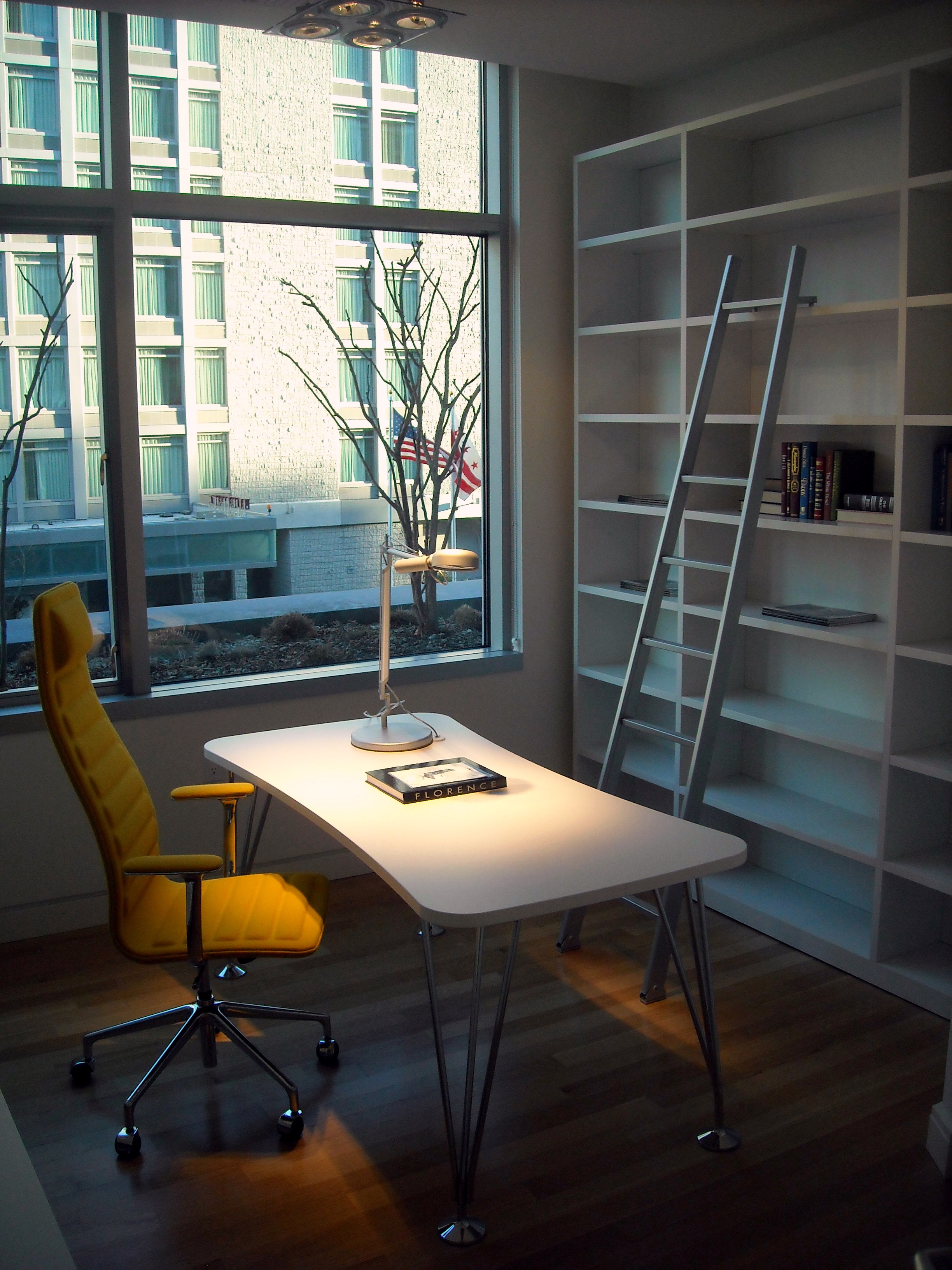
Add mass and soft layers to the walls to reduce the sound that passes through them. A simpler step is a tall bookcase filled with books against the shared wall, since mass blocks sound.
Add Mass and Soft Layers to the Walls
Hang thick rugs, tapestries, or moving blankets on the shared wall for a renter-friendly layer of mass. These soft layers absorb some sound and reduce the echo inside the office. They will not silence a loud television next door, but they take the edge off everyday noise.
Place heavy furniture against the shared wall rather than the window wall, so the furniture adds mass where it matters. Every layer of mass helps, even when no single layer is enough alone.
Cover bare floors with a thick rug and a dense pad, because hard floors bounce sound and transmit footsteps. A rug under the desk and chair softens the room and reduces the noise your own movements make on calls. Choose a rug large enough to sit fully under the chair and the desk.
Clap your hands in the office and listen for a flutter or a ring. Bare walls, bare floors, and big windows all cause echo, while soft surfaces absorb it.
Tame Echo Inside the Room
Add soft surfaces at ear height around the desk, such as:
- Upholstered panels
- Curtains
- A fabric pinboard
These surfaces absorb the reflections that make your voice echo.
A few acoustic panels on the walls behind the camera and beside the desk make a visible difference on calls. You do not need to cover the whole room; two or three panels at the reflection points are enough. Panels with a fabric finish look like decor rather than studio gear.
Keep the desk clear of hard, reflective objects near the microphone, since a glass desk or a bare monitor reflects sound. A desk pad, a cloth under the keyboard, and a soft chair all reduce the small noises the microphone picks up. These details matter more on calls than in a normal room.
Set Up Gear and Habits for Clear Calls
Set up gear and habits for clear calls by using a headset with a noise-canceling microphone. A headset microphone sits close to your mouth and rejects room noise far better than a laptop microphone.
A shared calendar with your call times prevents most interruptions. Technology helps, but a household that respects call time is the best soundproofing of all.
Close the loop by recording a test call and listening to it with headphones. You will hear the echo, the keyboard, and the household noise that callers hear. Fix the loudest problem first, then test again. A quieter office makes every video call easier, and the improvements repay themselves within weeks.
Wrap up here, then dive into Low Budget Home Office: Transitioning Effectively — it pairs well with what you just read.
Related Articles:
- Low Budget Home Office: Transitioning Effectively
- Home Office Organization with Curtains
- Eclectic Home Office Design: Ideas & Inspiration
Designing your own space?
Tell us in the comments which idea you would steal for your home or project.
Share this with someone planning a build or renovation.